

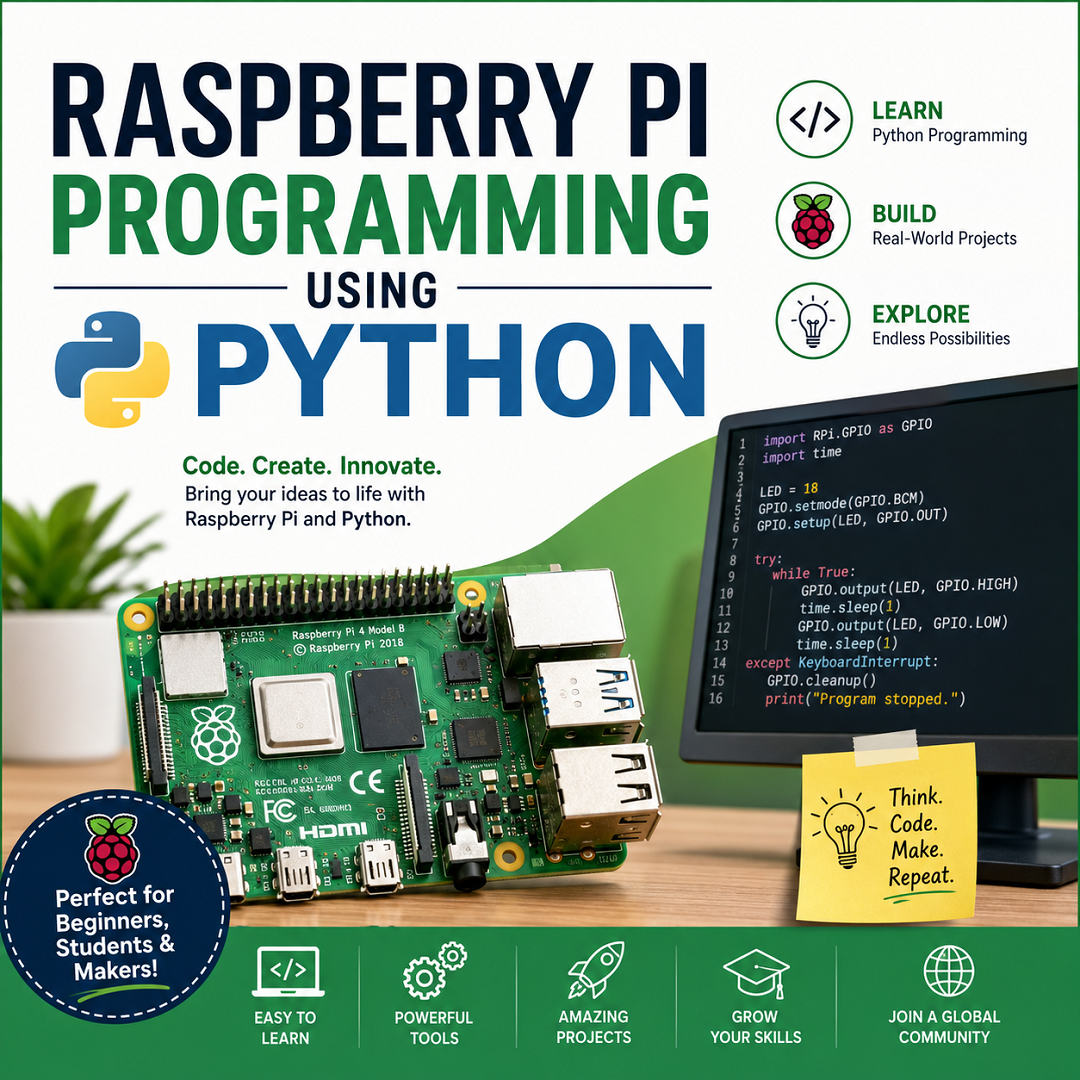
Raspberry Pi Coding with Python
This syllabus is suitable for beginners to intermediate learners and is commonly used in schools, colleges, robotics clubs, and IoT training programs. It combines Python programming, Linux, electronics, GPIO programming, and IoT projects.
Module 1: Introduction to Raspberry Pi
Theory
- Introduction to Embedded Systems
- Raspberry Pi overview
- Raspberry Pi models (Pi 4, Pi 5, Zero)
- Applications of Raspberry Pi
- Raspberry Pi architecture
- CPU, RAM, Storage
- GPIO header overview
- Power requirements
- Raspberry Pi accessories
Practical
- Identify Raspberry Pi components
- Connect monitor, keyboard and mouse
- Boot Raspberry Pi
- Install Raspberry Pi OS
Module 2: Linux Operating System Basics
Theory
- Raspberry Pi OS
- Linux file system
- Shell and Terminal
- User accounts
- Permissions
- Package manager
Practical
- Terminal commands
- pwd
- ls
- cd
- mkdir
- cp
- mv
- rm
- cat
- nano
- Software installation
- System update
- Network configuration
Module 3: Python Programming Fundamentals
Introduction
- Python features
- Python installation
- IDLE / Thonny IDE
Variables
- Data Types
- Variables
- Type Conversion
Operators
- Arithmetic
- Relational
- Logical
- Assignment
- Bitwise
Input & Output
- print()
- input()
- Formatting
Decision Making
- if
- if-else
- elif
Loops
- for
- while
- break
- continue
- pass
Functions
- Function definition
- Arguments
- Return values
- Lambda functions
Data Structures
- List
- Tuple
- Dictionary
- Set
String Operations
- Indexing
- Slicing
- String methods
File Handling
- Read files
- Write files
- CSV files
Exception Handling
- try
- except
- finally
Modules
- import
- pip
- Standard libraries
Module 4: Raspberry Pi GPIO Programming
Theory
- GPIO Pin numbering
- BCM vs BOARD mode
- Digital Input
- Digital Output
- Pull-up/Pull-down resistors
Practical
- Blink LED
- Multiple LEDs
- Push Button Interface
- Buzzer Control
- RGB LED
- Traffic Light System
Module 5: PWM Programming
Theory
- Pulse Width Modulation
- Duty Cycle
- Frequency
Practical
- LED Brightness Control
- Servo Motor Control
- DC Motor Speed Control
Module 6: Sensor Interfacing
Digital Sensors
- Push Button
- PIR Motion Sensor
- IR Sensor
- Hall Effect Sensor
Analog Sensors (using ADC)
- LDR
- Potentiometer
- Soil Moisture Sensor
Environmental Sensors
- DHT11/DHT22
- BMP180
- MQ Gas Sensor
Practical
- Temperature Monitoring
- Humidity Display
- Light Intensity Measurement
- Motion Detection
- Gas Leakage Alarm
Module 7: Display Interfacing
LCD Display
- 16×2 LCD
- I²C LCD
OLED Display
- SSD1306 OLED
Practical
- Display Text
- Sensor Values on LCD
- Scrolling Messages
- Real-Time Clock Display
Module 8: Communication Protocols
UART
- Serial Communication
I²C
- Master-Slave Communication
SPI
- High-speed Communication
Practical
- Connect I²C Sensors
- OLED via I²C
- SPI Device Interface
Module 9: Camera Programming
Raspberry Pi Camera
- Camera setup
- Capture Images
- Record Videos
- Time-lapse Photography
Practical
- Image Capture
- Motion Detection
- Face Detection (OpenCV basics)
Module 10: Networking and IoT
Networking
- Wi-Fi Configuration
- Bluetooth
- SSH
- VNC
IoT Concepts
- MQTT
- HTTP
- Cloud Platforms
- Data Logging
Practical
- Publish Sensor Data
- Remote LED Control
- Web Dashboard
- Home Automation
Module 11: Python Libraries
- gpiozero
- RPi.GPIO
- time
- os
- datetime
- OpenCV
- NumPy
- Pandas
- Matplotlib
- Flask
- Paho MQTT
Module 12: Mini Projects
- LED Blinking
- Electronic Dice
- Digital Thermometer
- Weather Station
- Smart Dustbin
- Automatic Street Light
- Motion Detector
- Home Security Alarm
- Visitor Counter
- Water Level Indicator
- Smart Irrigation System
- Face Recognition Door Lock
- Smart Home Automation
- IoT Weather Monitoring
- Robot Car
Laboratory Exercises
- Install Raspberry Pi OS
- Write your first Python program
- Control an LED
- Interface a push button
- Read a temperature sensor
- Display values on an LCD
- Control a servo motor
- Interface an ultrasonic sensor
- Send data to the cloud
- Build an IoT-based automation project
Learning Outcomes
After completing this course, learners should be able to:
- Set up and configure a Raspberry Pi.
- Use Linux commands and manage the Raspberry Pi OS.
- Write Python programs using functions, files, and modules.
- Interface LEDs, buttons, sensors, displays, and motors through GPIO.
- Use communication protocols such as UART, I²C, and SPI.
- Build IoT applications using Wi-Fi and MQTT.
- Develop complete embedded systems and automation projects using Raspberry Pi and Python